Product Shot Maker
Create professional Product Shot with AI in seconds.
Product Studio
Pro photography without the studio.
Upload Reference Product
Use Cases & Examples
See how others are using this tool
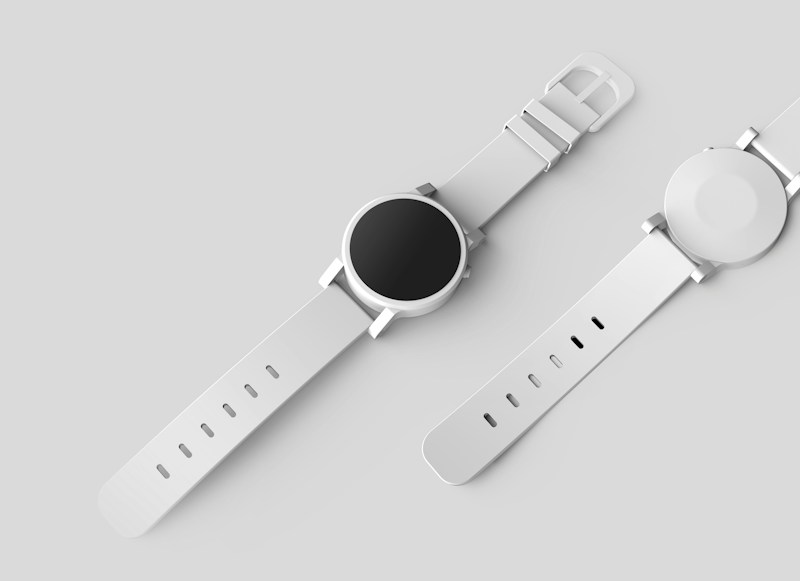
What is Product Shot Maker?
Generate product shots that look like they came from a studio: controlled lighting, crisp backgrounds, and accurate material rendering. Imgo outputs e-commerce-ready angles and resolution without a photo shoot.
Key Features
Studio lighting control
Softbox, hard, and backlit setups that flatter the product's materials.
Clean backgrounds
Seamless white, colored, and lifestyle backdrops on demand.
E-commerce angles
Front, detail, and lifestyle shots at marketplace-required ratios.
Material accuracy
Preserve fabric, metal, glass, and matte textures faithfully.
Guides and prompts for this tool
How to use the Product Shot Maker?
- Select the Mode: You are currently in the dedicated Product Shot Maker mode.
- Enter a Prompt: Describe the visual you want to create in the text box above. Be descriptive about style, colors, and mood.
- Generate: Click the "Generate" button to start the AI.
- Refine & Download: If you like the result, upscale it or download it. If not, tweak your prompt and try again!