Professional E-commerce Product Photography
Generate stunning product photos for your online store without expensive photo shoots.
NanoBanano Team
Author
Step-by-Step Guide
Prepare Product Details
Gather all product specifications and key features
Choose Background Style
White, lifestyle, gradient, or contextual
Set Lighting Direction
Define where light comes from for consistency
Generate Multiple Angles
Front, side, detail, and lifestyle shots
Post-Process for Platform
Optimize for Amazon, Shopify requirements
E-commerce Product Photography
Products with professional photos sell 30% better than those without.
Shot Types You Need
- Hero Shot: Main product image, clean background
- Detail Shots: Close-ups of features and textures
- Scale Shot: Product with reference for size
- Lifestyle Shot: Product in use or context
- Package Shot: What customer receives
Platform Requirements
| Platform | Main Image | Background | Format |
|---|---|---|---|
| Amazon | 1000x1000 | Pure white | JPEG |
| Shopify | 2048x2048 | Any | PNG/JPEG |
| Etsy | 2000x2000 | Any | JPEG |
Lighting Tips
- Soft, diffused light reduces harsh shadows
- Consistent light direction across all products
- Slight shadows add depth and realism
- Avoid mixed color temperatures
Results Gallery
Prompts to try
All product prompts


Frequently asked questions
Can AI-generated product photos be used on Amazon?
Yes, provided the image shows the actual product you ship and follows the main-image rules: pure white background, product only, roughly 85% of the frame, no text or props. Generate from a real photo of your product rather than a description, and use the compliant main-image prompt so the output meets the rules as generated.
What do I need to start?
One clean photo of the product on a plain background, at least 1000 pixels on the long side. Everything else — lighting, backdrop, angle, props — comes from the prompt. Attach the photo when the prompt is marked as needing one so the shape, label and colour in the result are yours.
Which shots does a listing actually need?
Five cover almost every marketplace: a hero shot on white, a detail close-up, a scale reference such as the product in a hand, a lifestyle shot in context, and a packaging or what-you-receive shot. The prompt library has a template for each; run them with the same product photo and the set stays consistent.
How do I keep a whole catalogue consistent?
Fix the prompt and change only the variables. Each template isolates what differs between products in [brackets] — name, colour, surface — so the same lighting and composition run across every SKU. For colour ranges, the range-lineup prompt puts every variant in one frame under identical light.
Related use cases
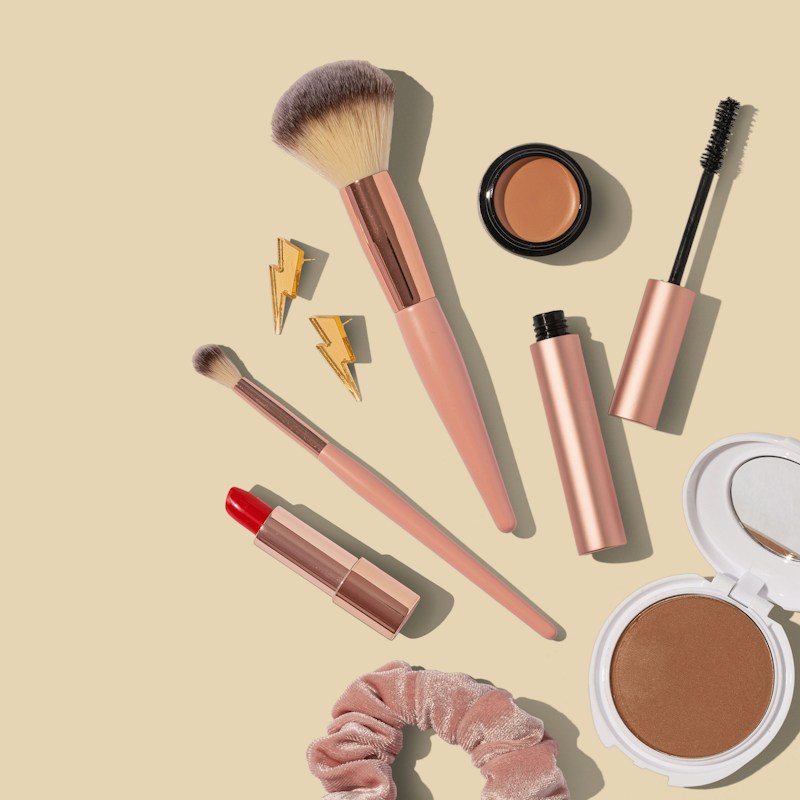
Design Premium Cosmetics Packaging
Create luxurious packaging designs that elevate your beauty brand on the shelf.

Design E-commerce Hero Banners That Convert
Create stunning homepage hero banners that capture attention and drive clicks.

Design an Epic Music Festival Poster
Create attention-grabbing festival posters that capture the energy of your event.